{header}
1.2.11.2.0

Mobile App

We apologize to all customers. The mobile application is currently under development, and we are working hard to bring it to you as soon as possible.
The current development version may still contain unfinished features or occasional issues, for example with chart display.

Download the Android App ver: 1.2.1

ARM64 (arm64-v8a) – recommended
For most modern Android phones and tablets.
Download app-arm64-v8a-release.apk

ARM 32-bit (armeabi-v7a) – older devices
For older 32-bit Android devices. Use this version if your device does not support ARM64.
Download app-armeabi-v7a-release.apk

x86-64 – emulators
Primarily for Android emulators and devices with an x86-64 processor. Most Android phones do not need this version.
Download app-x86_64-release.apk

Thank you for your patience and understanding.

Login
Login
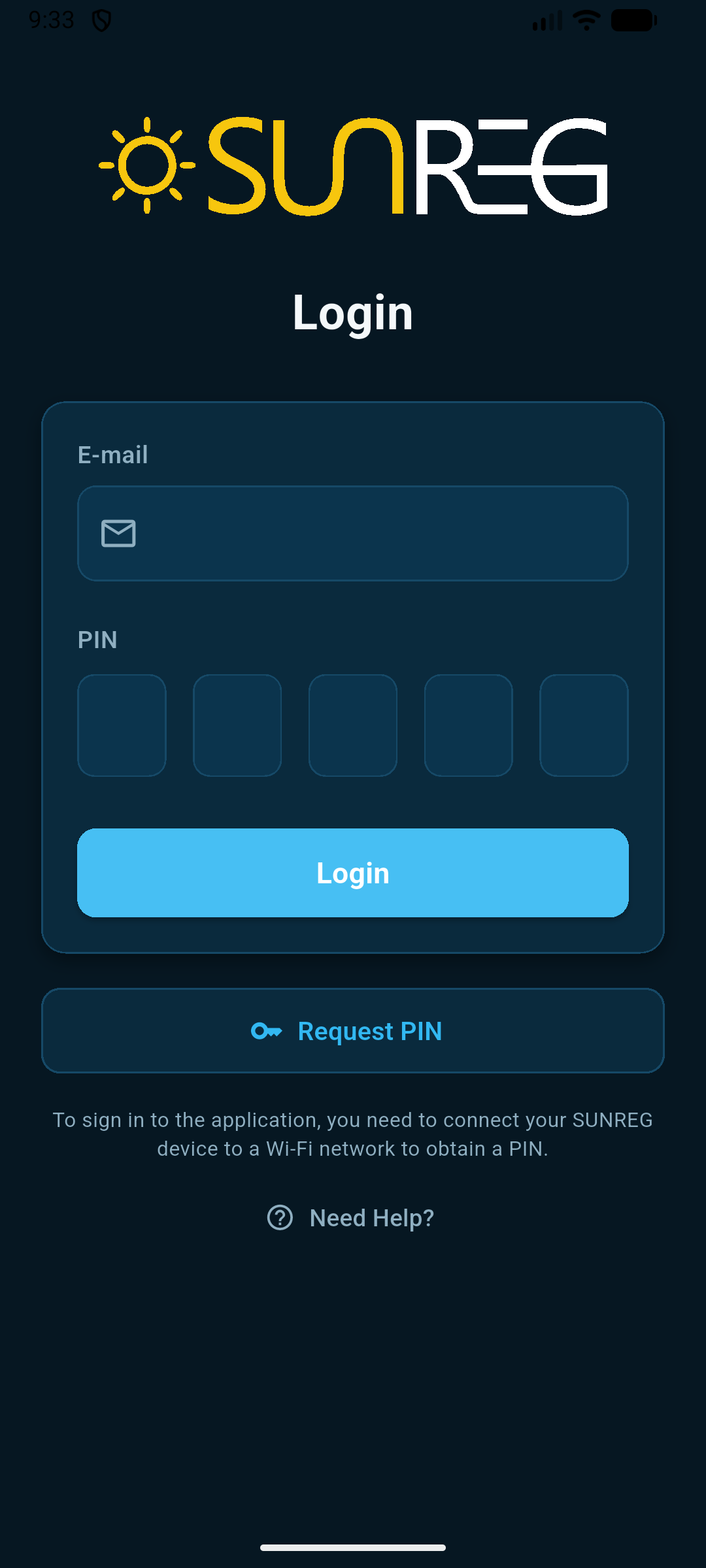
Application login screen. Enter your email address and PIN. If you do not have a PIN, request one. To log in successfully, you must have at least one registered device connected to the internet.

Device Selection

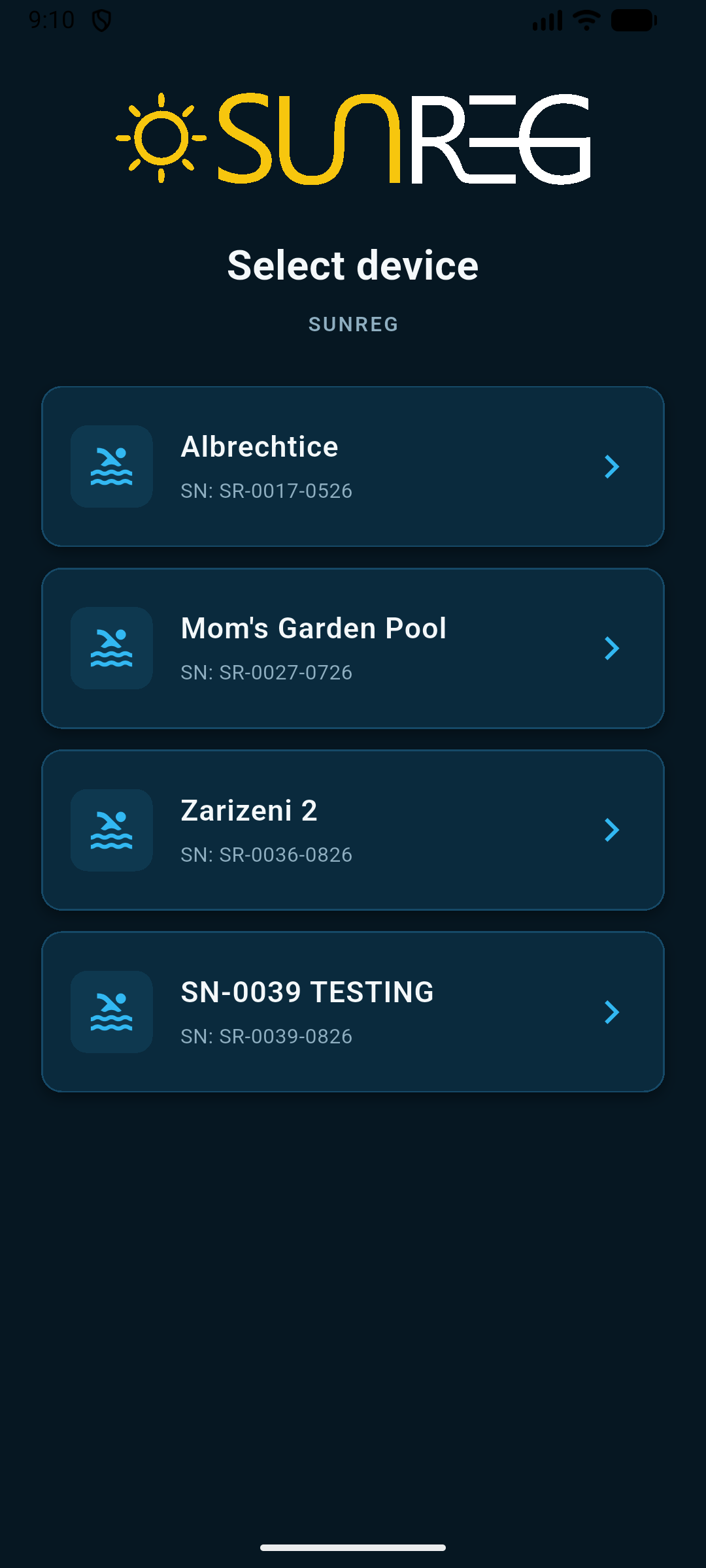
Device Selection
If you have more than one registered device, you can use this screen to select the device you want to control.

Device Connection

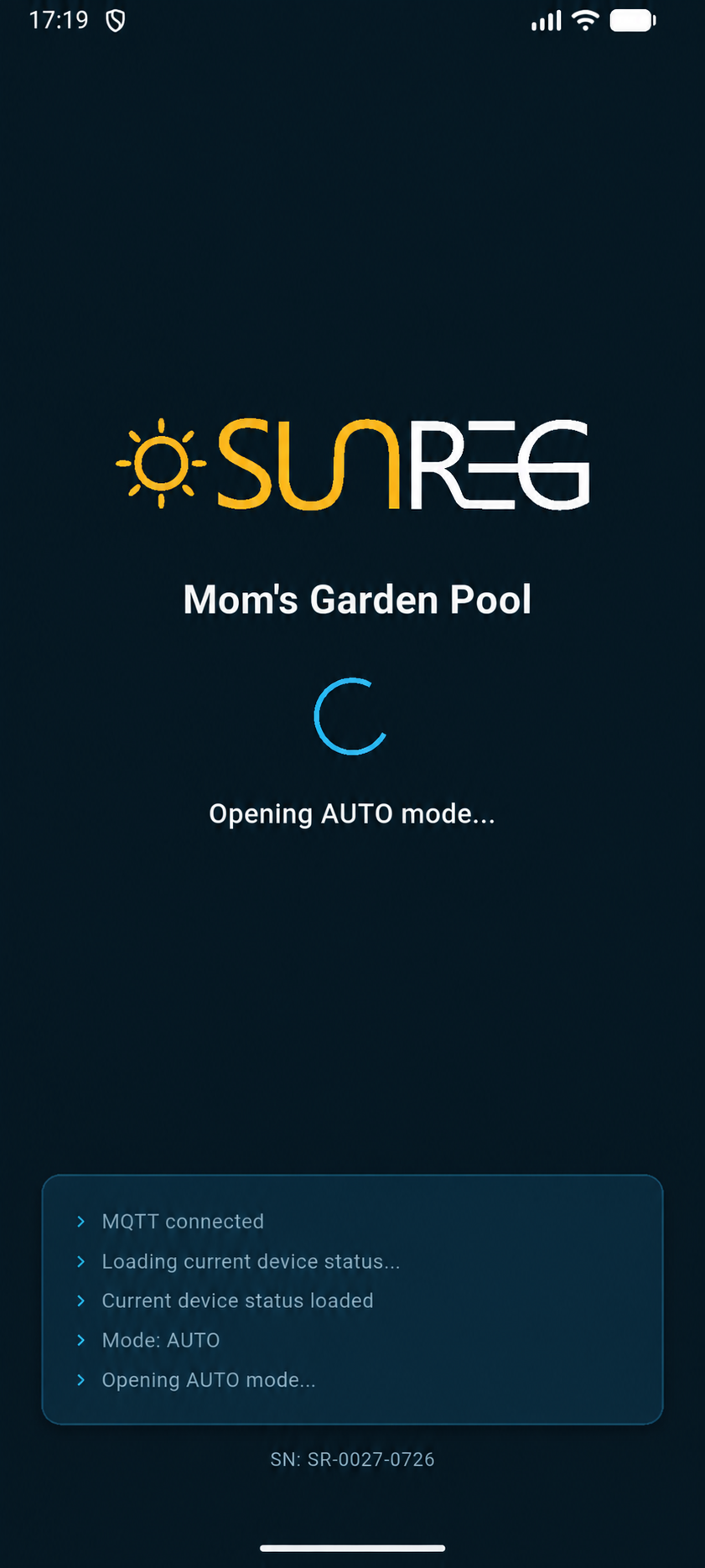
Device Connection
This screen shows the connection status for the selected device. If you have only one device, the device selection step is skipped and the connection process is shown immediately. If the device is offline, a message will inform you that the connection cannot be established.

Automatic Mode

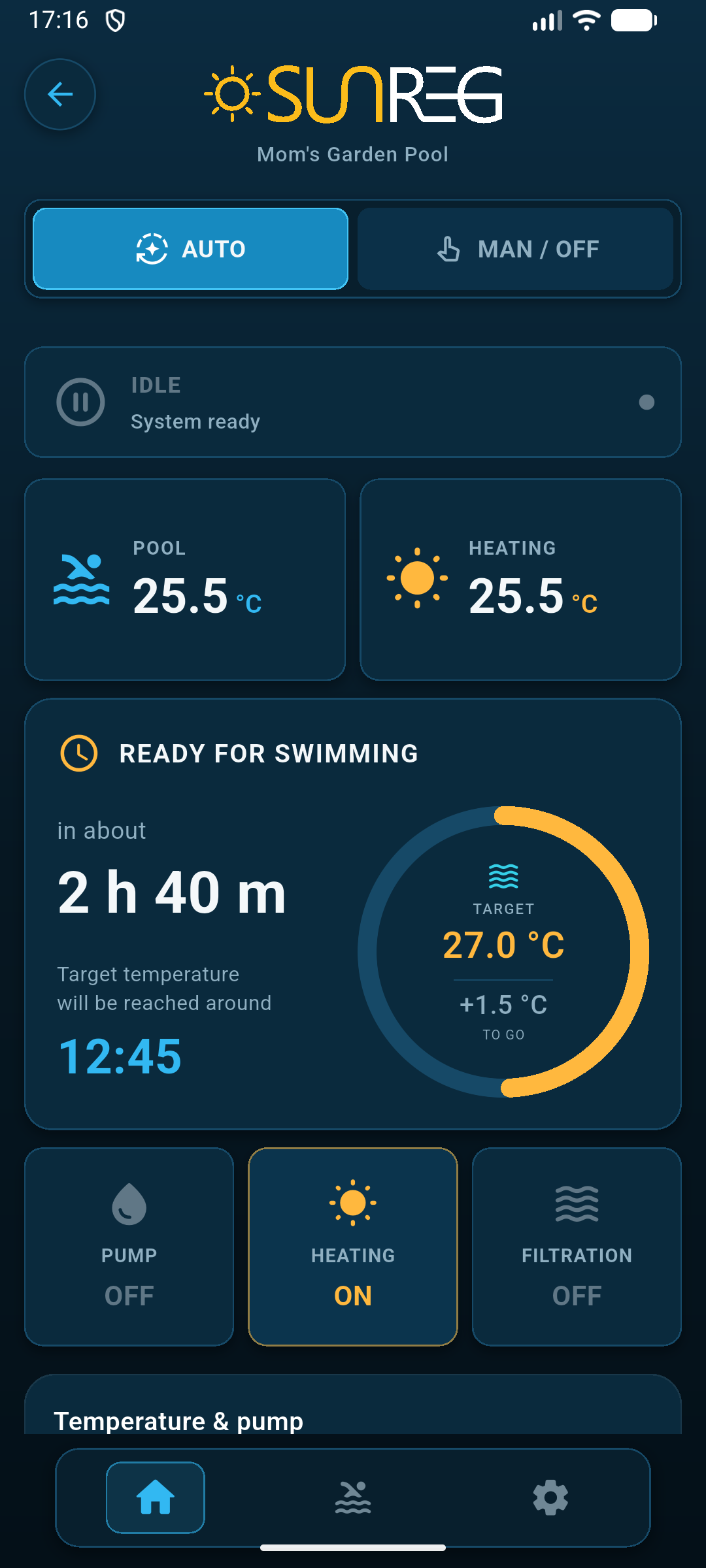
Automatic Mode
In automatic mode, you can monitor system operation, view charts showing pool and heating temperature trends, the forecast for reaching the desired temperature, and more.

Manual Mode

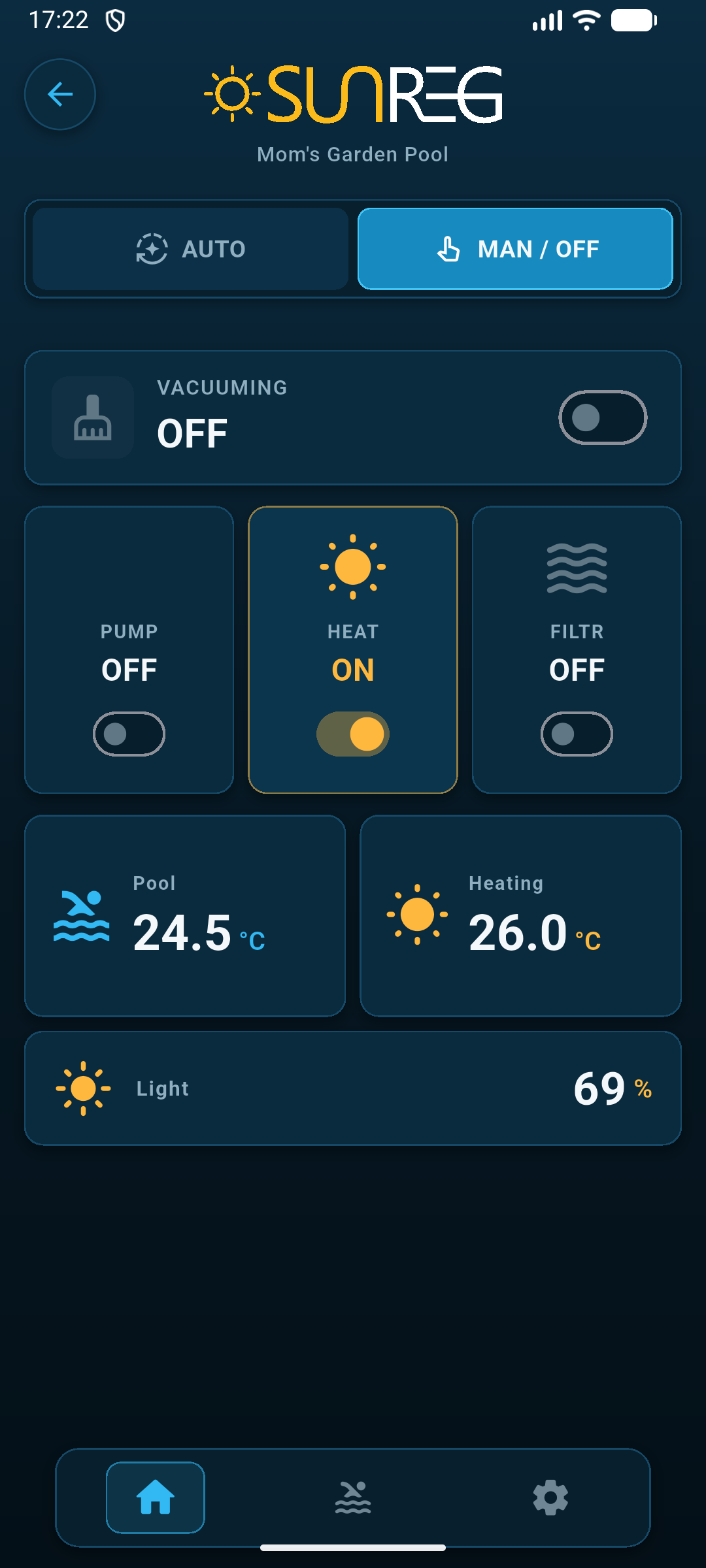
Manual Mode
In manual mode, you can control the valves independently and switch the pump on or off.

Pool Settings

Pool Settings
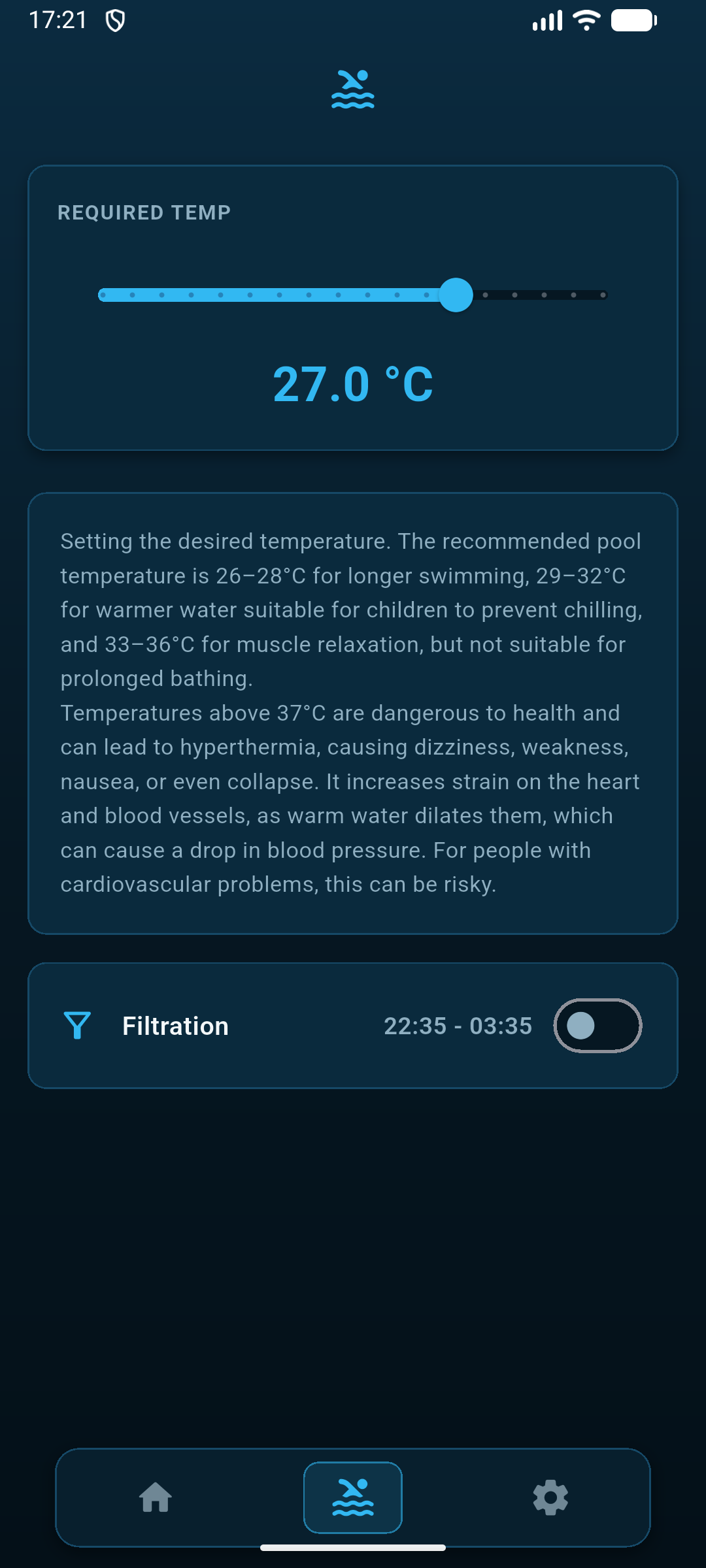
Quickly set the desired pool or hot tub temperature and enable filtration at the scheduled time.

System Settings

System Settings
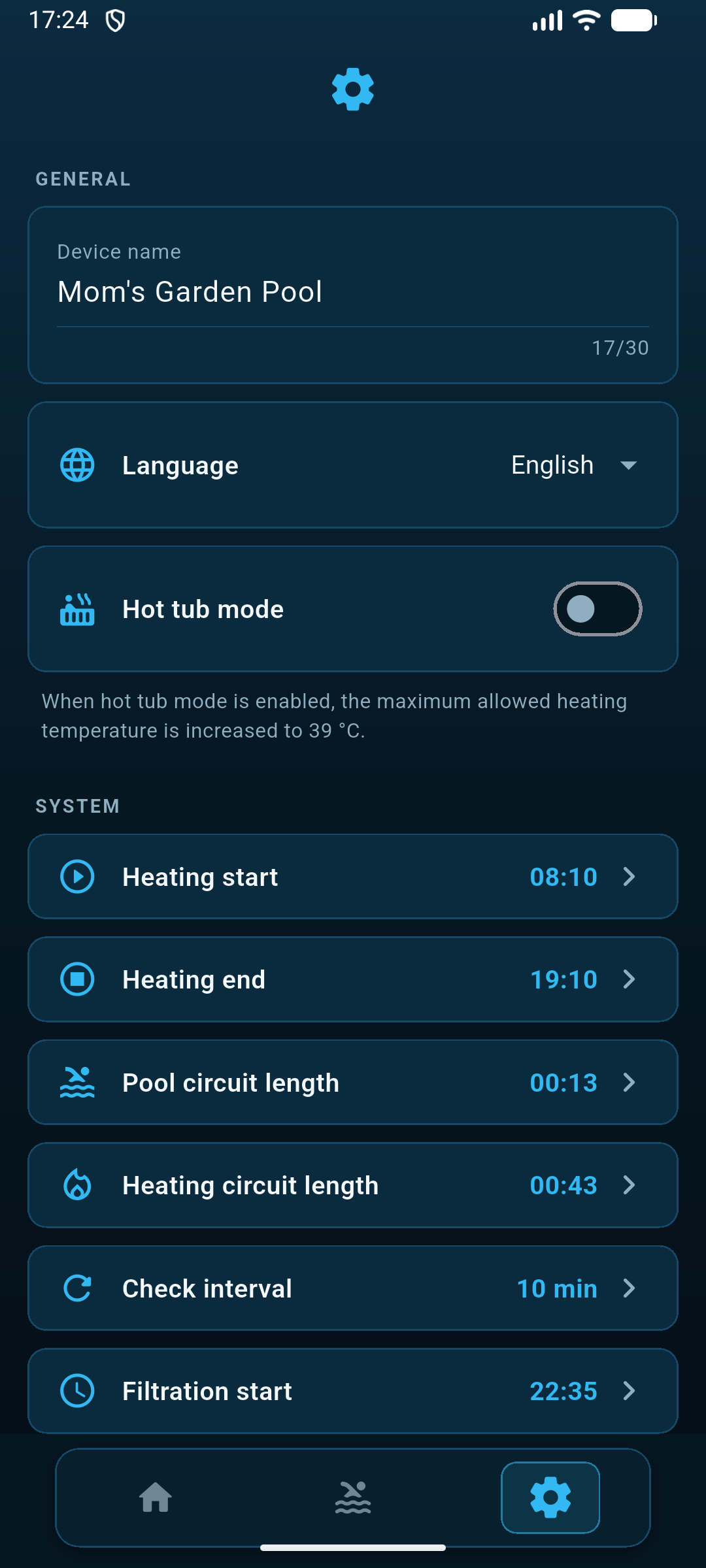
General settings for the app and control unit. Here you can name the control unit, select the language, and configure additional SUNREG[Wi] control unit settings.